
To view accounts and holdings on TC Mobile, navigate to the Menu and select "Accounts".
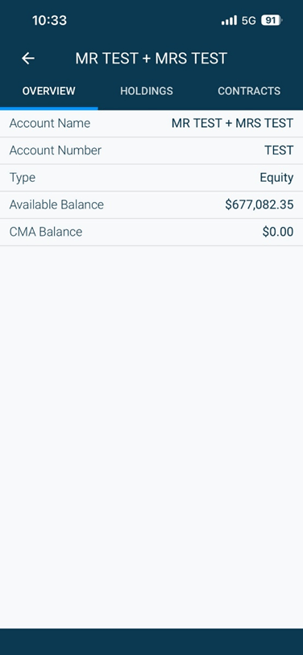
Search for the account you want to access (or if you have access to one account, it will take you to your account view.)
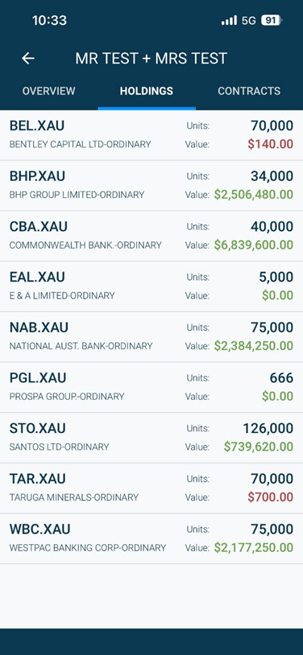
To view holdings click the Holdings tab.
To view accounts and holdings on TC Mobile, navigate to the Menu and select "Accounts".
Search for the account you want to access (or if you have access to one account, it will take you to your account view.)
To view holdings click the Holdings tab.