
To create a watchlist in TC Mobile, navigate to the lefthand menu and select "Watchlist".
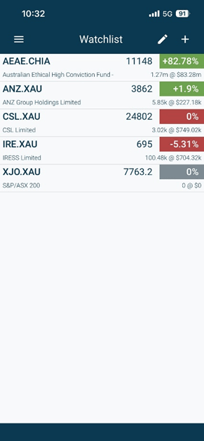
To create your watchlist, simply select the + button and search for your security to add. Once found, select the security to add it in.
Removing a security, you can simply select the pen and click remove