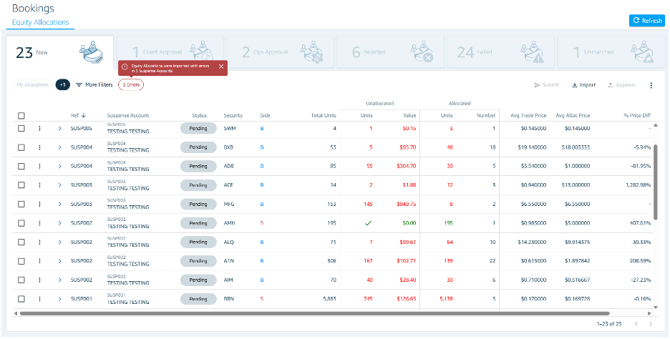
Using the Mini Dashboard At the top of the screen, a mini dashboard displays a count of bulk orders grouped by key allocation status, giving you an at-a-glance summary of your orders.
Filtering by Status Click any status card on the dashboard to instantly filter the list and view only bulk orders with allocations in that specific status. Click a different card to switch the filter, or clear the selection to return to the full list.