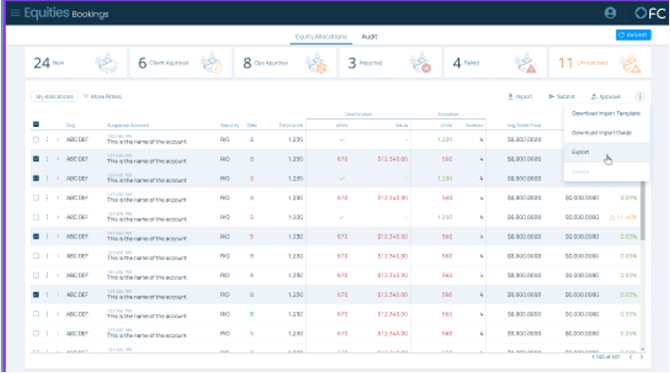
Exporting Click the "Export" button to initiate the data extraction process. The file will download in CSV format, compatible with spreadsheet applications.
The system will automatically determine the export scope based on your current selections:
- Selected records — if any checkboxes are selected, only those records will be exported
- Filtered records — if filters are applied but no records are selected, the filtered dataset will be exported
- All records — if no filters or selections are applied, the complete dataset will be exported
Export all
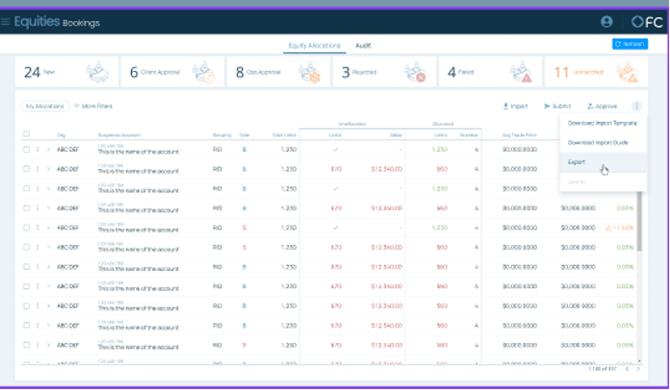
Export selected